Body Fat From a Photo: How Apps Estimate It, How Accurate It Is, and How to Take Photos You Can Compare
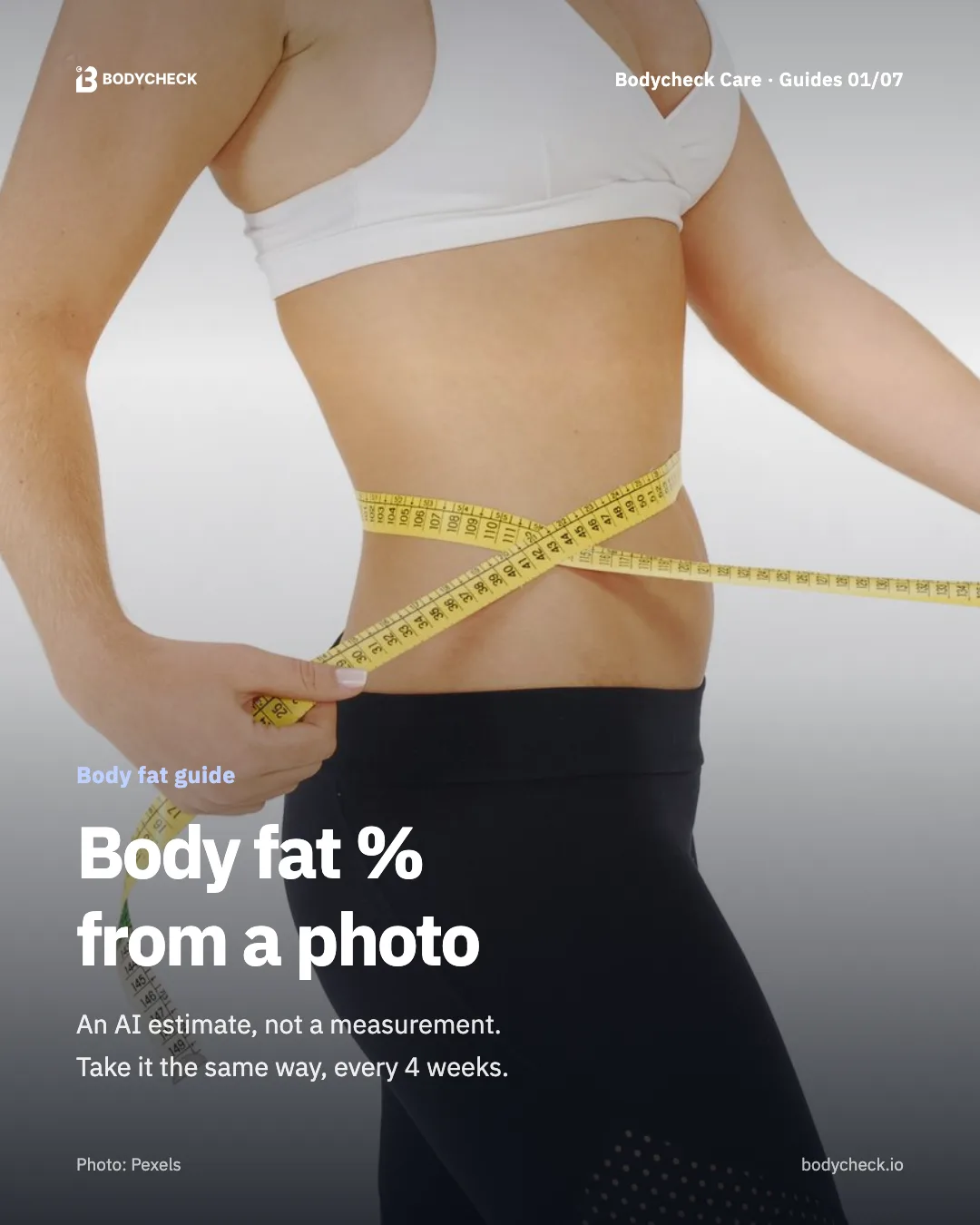
Can an app tell your body fat percentage from a photo? It can give an AI estimate, not a measurement. Here is how photo estimates work, how they compare with DXA, smart scales and calipers, how to read the number against a reference range, and how to take photos you can compare every four weeks.
Short answer: An app can estimate body fat from a photo, but it cannot measure it. It reads your body outline from a front and a side photo and combines it with details like height and weight. The most useful way to read the number is next to a reference range, as a gap in percentage points, and the best use is following your own trend, with photos taken the same way every four weeks.
Hi, I'm an editor on the Bodycheck Care team. A while ago I tried to compare two mirror selfies, one from early summer and one from last week. One was taken in a baggy hoodie at night, the other in a tank top in the morning light. I stared at them for a minute and had to admit I could not tell anything.
That little experiment is most of this post. Below I'll explain how an app turns a photo into a body fat estimate, what it can and cannot tell you compared with other methods, how to read the number, and how to take photos that are actually worth comparing.
How can an app estimate body fat from a photo?
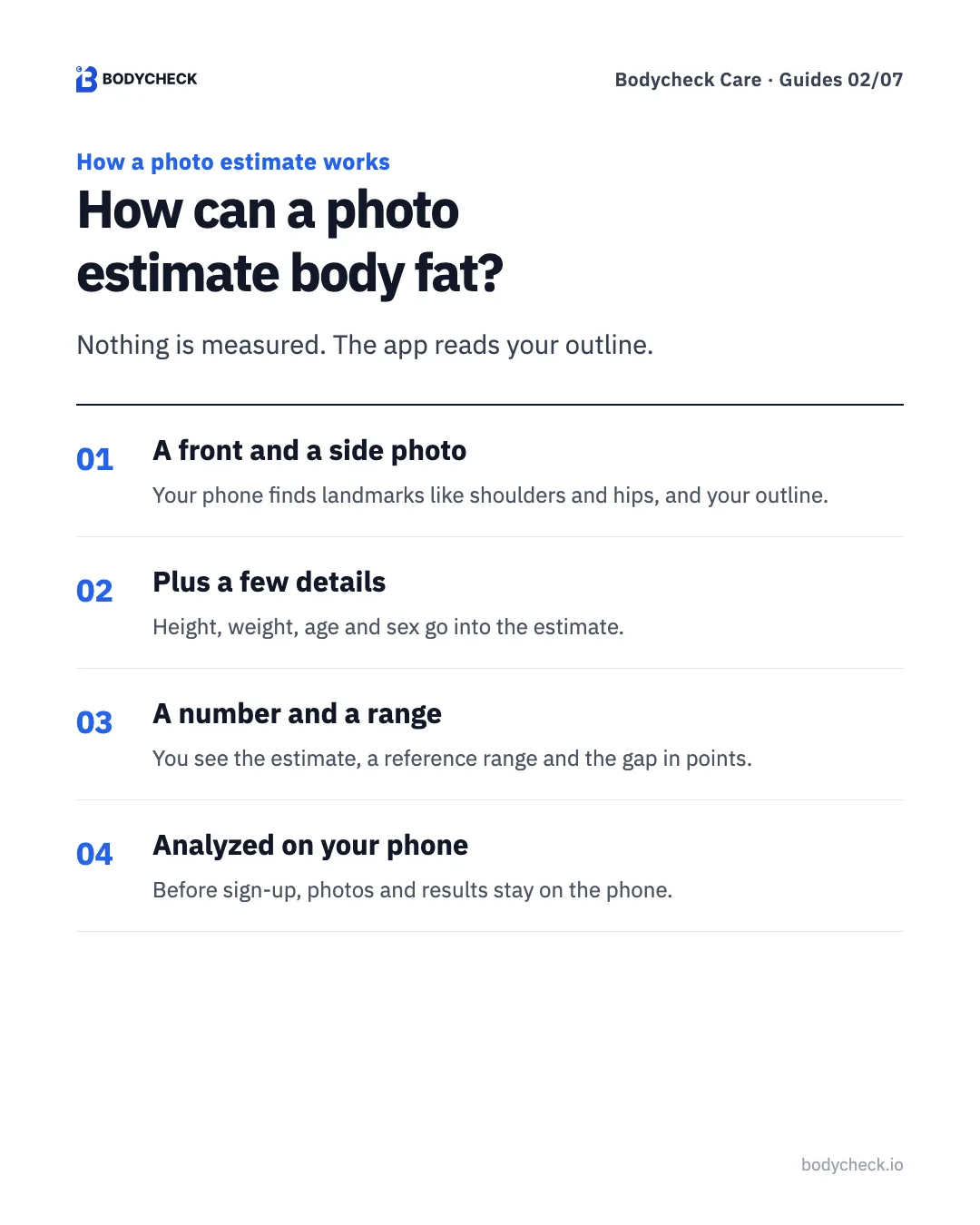
Nothing touches your body. The app works from what the camera sees.
- Two photos. You take a front and a side full-body photo. The phone finds landmarks such as the shoulders and hips, and the outline of your body.
- A few details. Your outline is combined with your height and weight (in Bodycheck Care, also age and sex) to produce an estimate.
- A number and a range. You see the estimated body fat percentage, a reference range, and how many percentage points the estimate sits from that range.
Because it is built from an outline, anything that changes the outline changes the estimate: loose clothes, a different pose, a different camera height. That's why the photo-taking section below matters as much as the math.
How accurate are body scan apps?
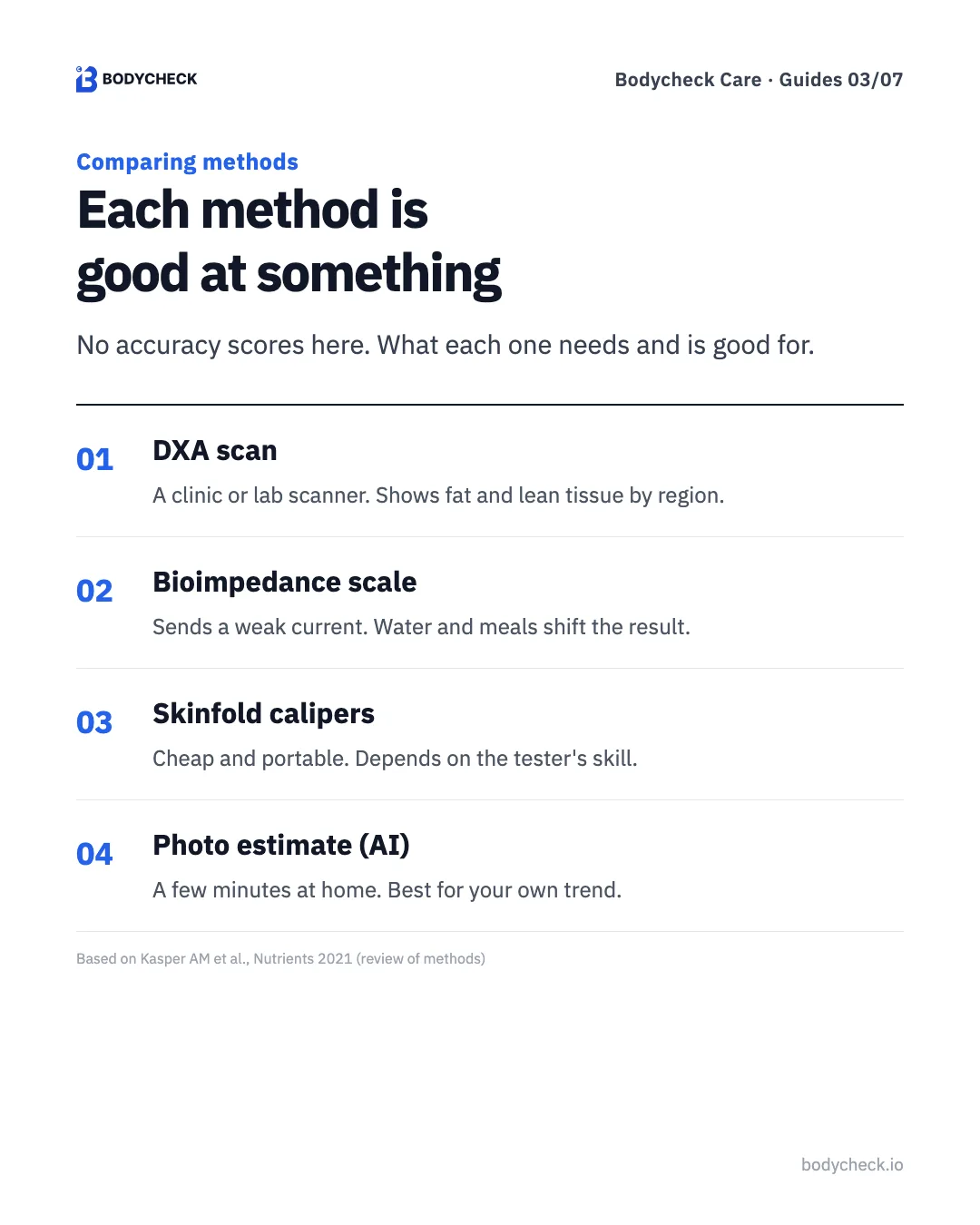
I'm not going to quote an accuracy score here, because the honest answer depends on the method, the person and the conditions. What helps more is knowing what each method needs and what it is good for. A 2021 review of body composition methods used in sport describes them roughly like this.
| Method | What you need | Good for | Keep in mind |
|---|---|---|---|
| DXA scan | A scanner at a clinic or lab, an appointment | Fat, lean tissue and bone, region by region | Hard to repeat often; meals and hydration before the scan can shift results |
| Bioimpedance scale | A body composition scale at home or a gym | Quick, easy, repeatable | Water, food, exercise and temperature affect the reading |
| Skinfold calipers | Calipers and a trained tester | Low cost, portable, little day-to-day swing | Depends heavily on the tester's skill |
| Photo estimate (AI) | A phone, two photos, height and weight | A few minutes at home, easy to repeat | An estimate, not a measurement; clothes, pose and light change it |
So do AI body scan apps work? They work as a consistent way to follow your own change, if you take the photos the same way each time. They are not a substitute for a clinic measurement, and two different apps (or an app and a scale) can give different numbers for the same person. Compare a method only with itself.
What does a body fat number mean?
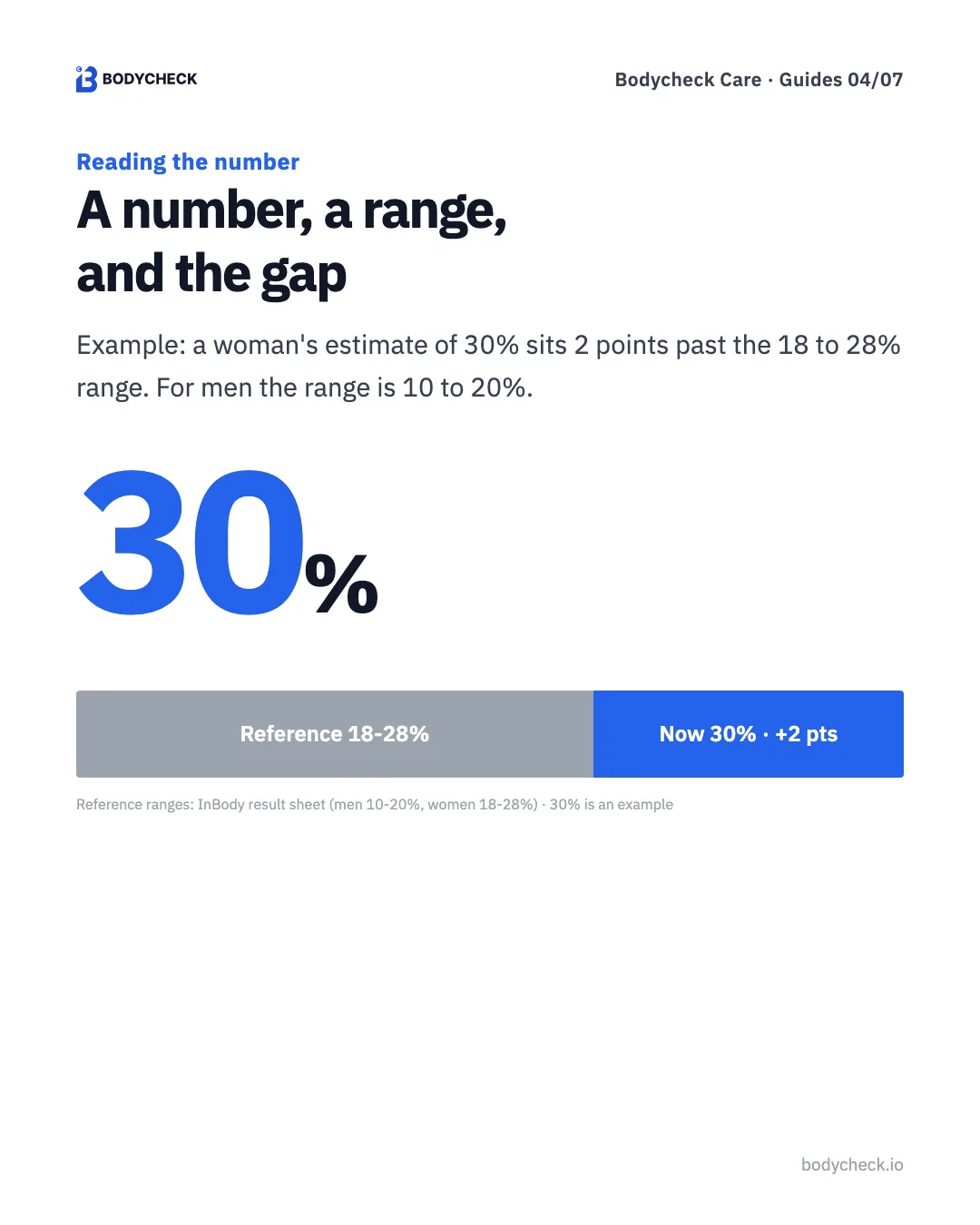
A number on its own doesn't say much. Bodycheck Care shows it next to a reference range and tells you the gap in percentage points. The reference ranges it uses come from the InBody result sheet:
| Reference range | |
|---|---|
| Men | 10–20% |
| Women | 18–28% |
For example, if a woman's estimate is 30%, the app shows 30%, the 18–28% range, and a gap of +2 points from the top of the range. That's all. No labels, no verdict. The point is a clear starting line: next time, you look at whether that gap has moved, under the same photo conditions.
Why do "body fat percentage pictures" look so different?
If you've searched for body fat percentage pictures, you've seen charts with rows of bodies labeled 15%, 20%, 25%. They are tempting to use as a mirror. I'd be careful with them.
- Height and frame. The same percentage looks different on a tall, narrow frame and a short, broad one.
- Muscle. Two people at the same percentage can look very different if one carries more muscle.
- Where fat sits. Some people carry more around the stomach, others around the hips and thighs. A chart shows one person's pattern.
- The photo itself. Lighting, pose, tan and camera angle change how defined a body looks.
A chart compares you with strangers. The only comparison that tells you something is your photo against your own earlier photo, taken the same way.
How do you take photos you can compare?
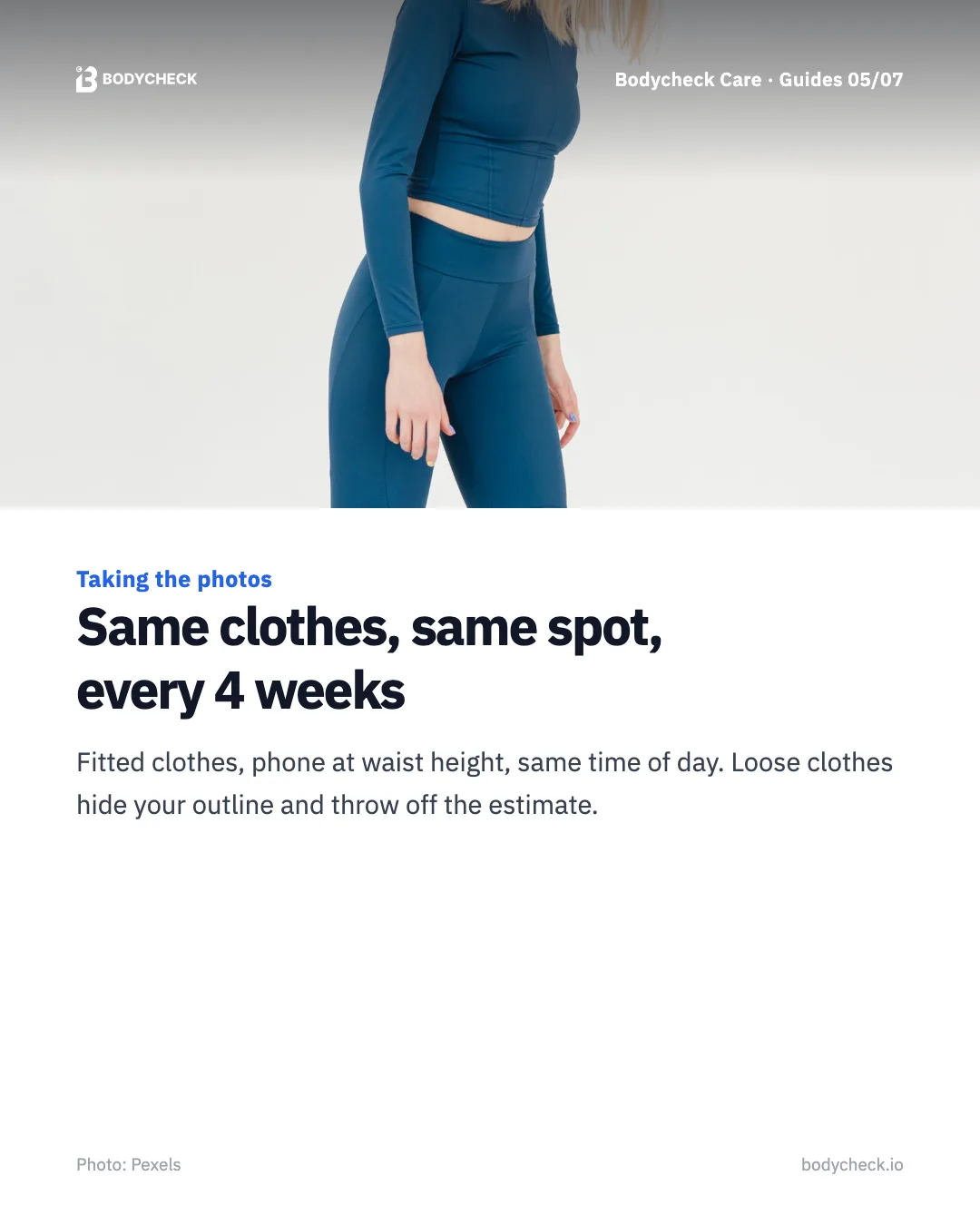
This is where my hoodie selfie went wrong. A few rules fix it.
- Fitted clothes. Leggings and a fitted top, or similar. Loose clothes hide your outline and throw off the estimate.
- Whole body in frame. Head to toe, with a little space around you. Tie long hair back.
- Phone at waist height. Shooting from below or above changes your proportions.
- Same time of day, same spot. Morning before eating is easy to repeat. Same light, same background.
- Every four weeks. Day-to-day numbers swing. Four weeks is a better rhythm for seeing a trend.
Stand the way you normally stand. Don't hold your breath or pull your stomach in, or the next photo won't match.
How can you see your body fat estimate in numbers?
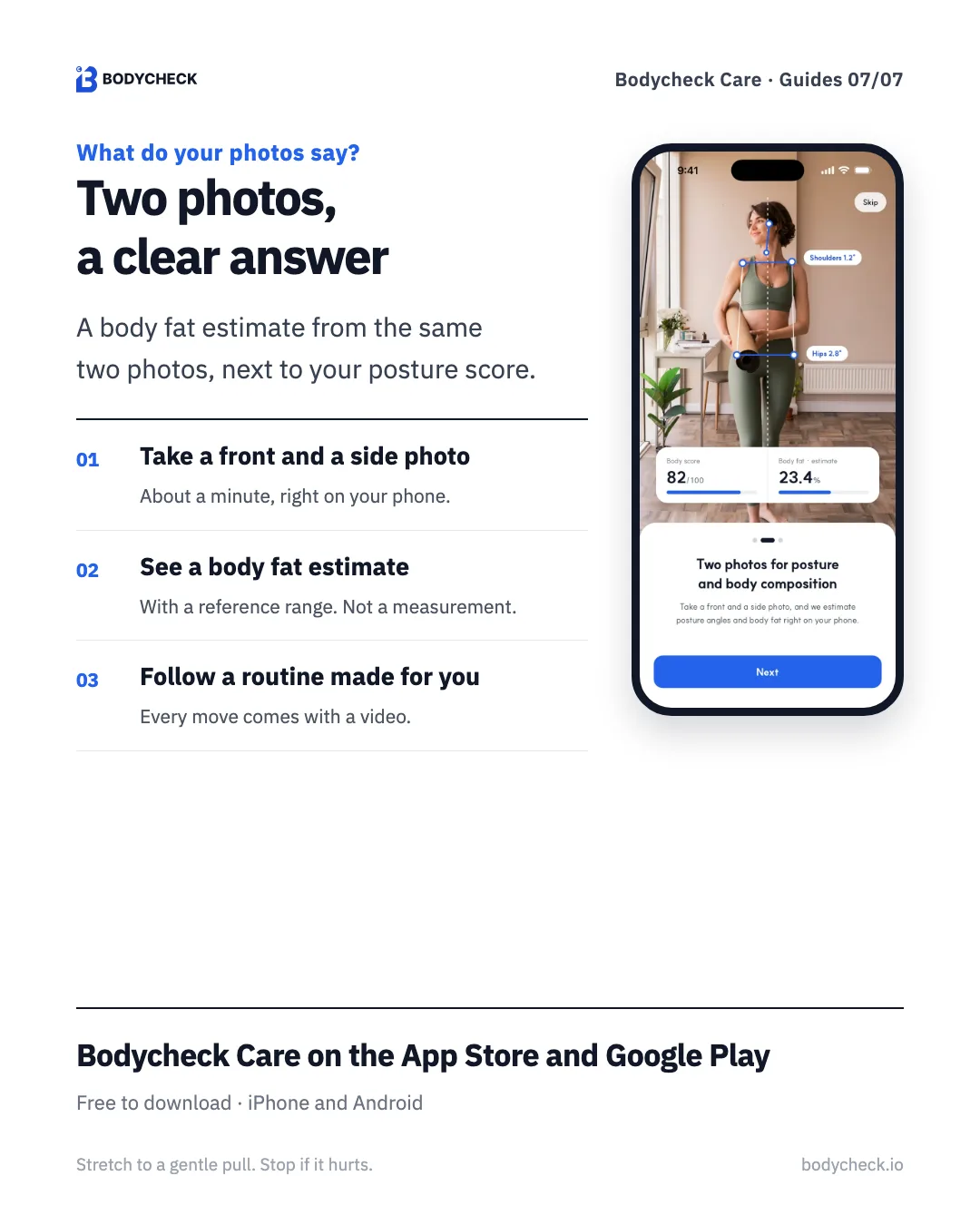
Bodycheck Care uses the same front and side photos for two things: a posture score and a body fat estimate.
- Get the app and take a front and a side full-body photo. It takes about a minute.
- See your body fat estimate, worked out from the photos plus your height, weight, age and sex, next to the reference range and the gap in points. It is an estimate, not a measurement.
- Follow the moves picked for your result, each with a video.
- Retake the photos after four weeks, the same way, and compare.
The photo analysis runs on your phone, and before you sign up, your photos and results stay on the phone. If you also use a body composition scale, you can type its results into the app. Premium adds fat mass, lean mass, BMI, waist and hip girths and trends.
Bodycheck Care · Free
See a body fat estimate from the same two photos
Take a front and a side photo to see how far your head and shoulders sit forward as a score, then follow moves picked for your result, each with a video.
Moves to pair with tracking
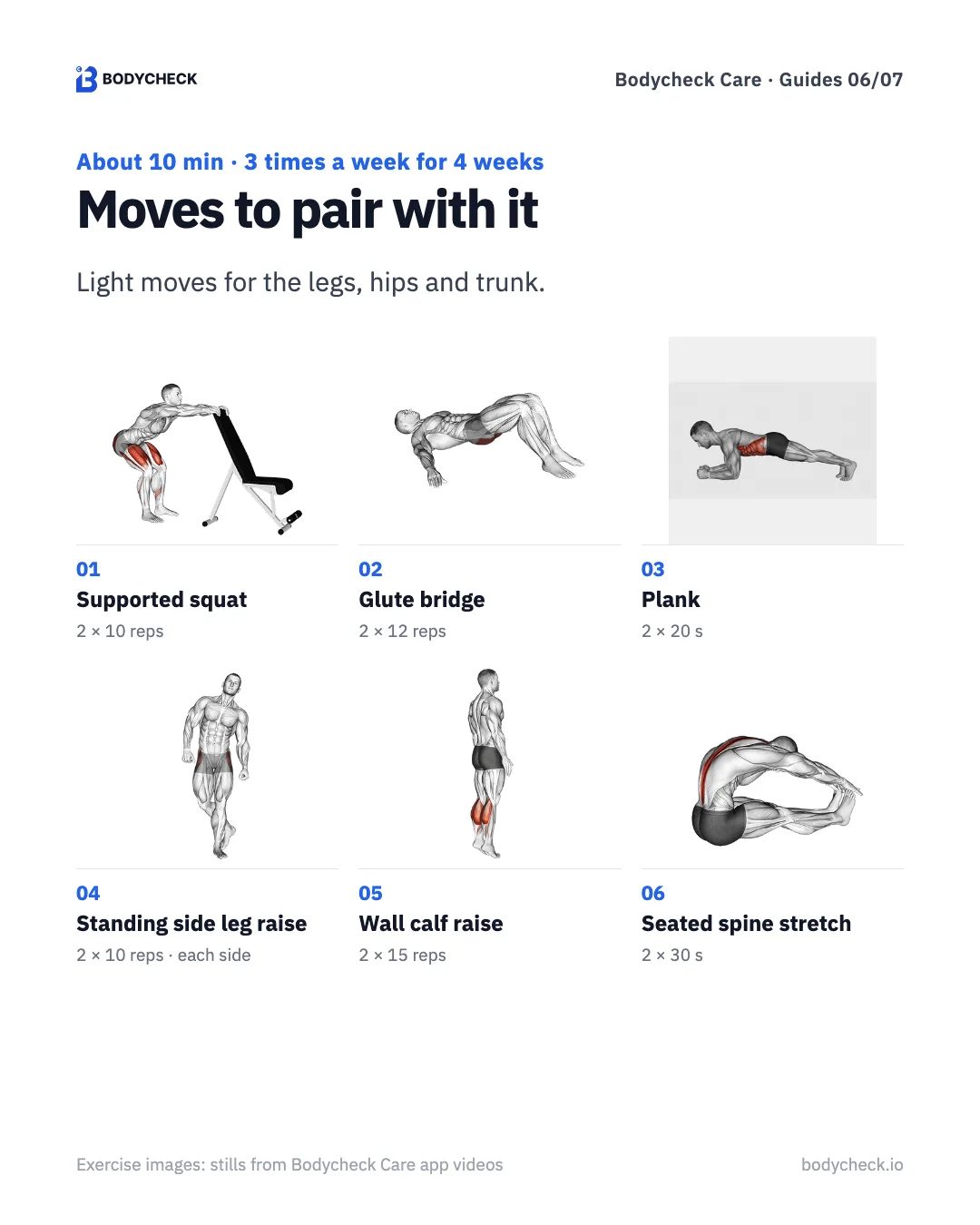
Tracking a number is easier when there is a small habit next to it. These six moves use the legs, hips and trunk, and need only a chair or a wall. Do them three times a week, on alternate days, for four weeks, then retake your photos. They're about moving regularly, not about chasing a number. If you want more leg work, the 15-minute leg routine builds on the first move.
1. Supported squat · 2 sets × 10 reps
- Hold a chair back or a wall with feet shoulder-width apart.
- Sit your hips back as if sitting into a chair.
- Keep your chest up and your knees following your toes.
- Push through your heels to stand. 10 reps.
2. Glute bridge · 2 sets × 12 reps
- Lie with knees bent and arms by your sides.
- Push through your heels and lift your hips.
- Squeeze your glutes for one second with knees, hips and shoulders in a line. Don't arch your back.
- Lower slowly. Repeat 12 times.
3. Plank · 2 sets × 20 s
- Lie face down with elbows under your shoulders.
- Lift onto your toes so your body forms a line from head to heels.
- Brace your stomach and glutes and keep breathing.
- Hold 20 seconds. Drop to your knees if needed.
4. Standing side leg raise · 2 sets × 10 reps · each side
- Stand tall, holding a wall with one hand if needed.
- Without leaning, lift one straight leg out to the side.
- Go only as high as the side of your hip squeezes, then lower slowly.
- After 10 reps, switch sides.
5. Wall calf raise · 2 sets × 15 reps
- Hold a wall with feet shoulder-width apart.
- Shift your weight to the balls of your feet and raise your heels.
- Pause for one second at the top.
- Lower slowly. Repeat 15 times.
6. Seated spine stretch · 2 sets × 30 s
- Sit with legs straight and arms reaching forward.
- Sit tall first.
- Breathe out and roll your head and back forward one section at a time.
- Hold 30 seconds, then roll back up slowly.
At a glance
| # | Move | Sets |
|---|---|---|
| 1 | Supported squat | 2 × 10 reps |
| 2 | Glute bridge | 2 × 12 reps |
| 3 | Plank | 2 × 20 s |
| 4 | Standing side leg raise | 2 × 10 reps · each side |
| 5 | Wall calf raise | 2 × 15 reps |
| 6 | Seated spine stretch | 2 × 30 s |
Moves can be hard to follow from text alone. In Bodycheck Care every move has a video, and the app counts the time and sets for you.
Frequently asked questions
Can you tell body fat percentage from a photo? An app can estimate it, but it does not measure it. It reads your body outline from a front and a side photo and combines it with details like height and weight. Treat the result as an estimate for following your own trend, not as a lab number.
Is there an app that measures body fat? Phone apps estimate body fat; they do not measure it. Smart scales use bioimpedance, and DXA scans are done at clinics or labs. Bodycheck Care estimates body fat from a front and a side photo plus your height, weight, age and sex, and shows it next to a reference range.
Are AI body scan apps accurate? They give an estimate, and clothing, posture, lighting and camera angle all affect it. They are most useful when you take the photos the same way each time and look at your own change over weeks, rather than at a single number.
Can Apple Watch tell you body fat? No. Apple Watch does not measure body fat. The Health app on iPhone can store body fat percentage values that come from other sources, such as a connected scale or a number you enter yourself.
How should I take photos for a body fat estimate? Wear fitted clothes, because loose clothes hide your outline. Keep your whole body in the frame, hold the phone at waist height, use the same spot and time of day, and retake the photos every four weeks.
Before you start
- A body fat estimate is a reference number, not a diagnosis. Look at the trend, not one result.
- Move within a comfortable range. Stop right away if anything hurts.
- Don't hold your breath. Breathe out as you push.
- This is exercise guidance. If you have joint pain, a heart condition or another health concern, or your weight has changed suddenly without a clear reason, see a doctor before you exercise.
Why not take your first pair of photos this week, in fitted clothes and with the phone at waist height? Four weeks from now, take them again the same way and put them side by side.
Bodycheck Care · Free
Take two photos and get moves picked for you
Take a front and a side photo to see how far your head and shoulders sit forward as a score, then follow moves picked for your result, each with a video.
References
- Kasper AM, Langan-Evans C, Hudson JF, et al. Come Back Skinfolds, All Is Forgiven: A Narrative Review of the Efficacy of Common Body Composition Methods in Applied Sports Practice. Nutrients, 2021;13(4):1075. (Qualitative comparison of DXA, bioimpedance and skinfolds)
- Reference ranges for body fat percentage (men 10–20%, women 18–28%): InBody result sheet, as used in the Bodycheck Care app.
- Apple Developer Documentation, HealthKit: bodyFatPercentage (the Health app's body fat percentage data type).
- Photos: Pexels (free license). Exercise images and app screens: Bodycheck Care app.